
Email AI: Cut Inbox Chaos for Customer Service Teams
Email AI: Cut Inbox Chaos for Customer Service Teams
Your inbox is not a to-do list, it is a queue with a customer waiting at the end of itIn most SMEs and customer service departments across Lleida, Bar...
Your inbox is not a to-do list, it is a queue with a customer waiting at the end of it
In most SMEs and customer service departments across Lleida, Barcelona or Tarragona, the working day starts the same way: opening a mailbox that has grown overnight. Orders, incidents, quotes, questions about invoices, and a long tail of messages that look urgent but are not. The team reads, tags mentally, forwards, and answers. By mid-morning, half the day has gone into triage rather than into solving anything.
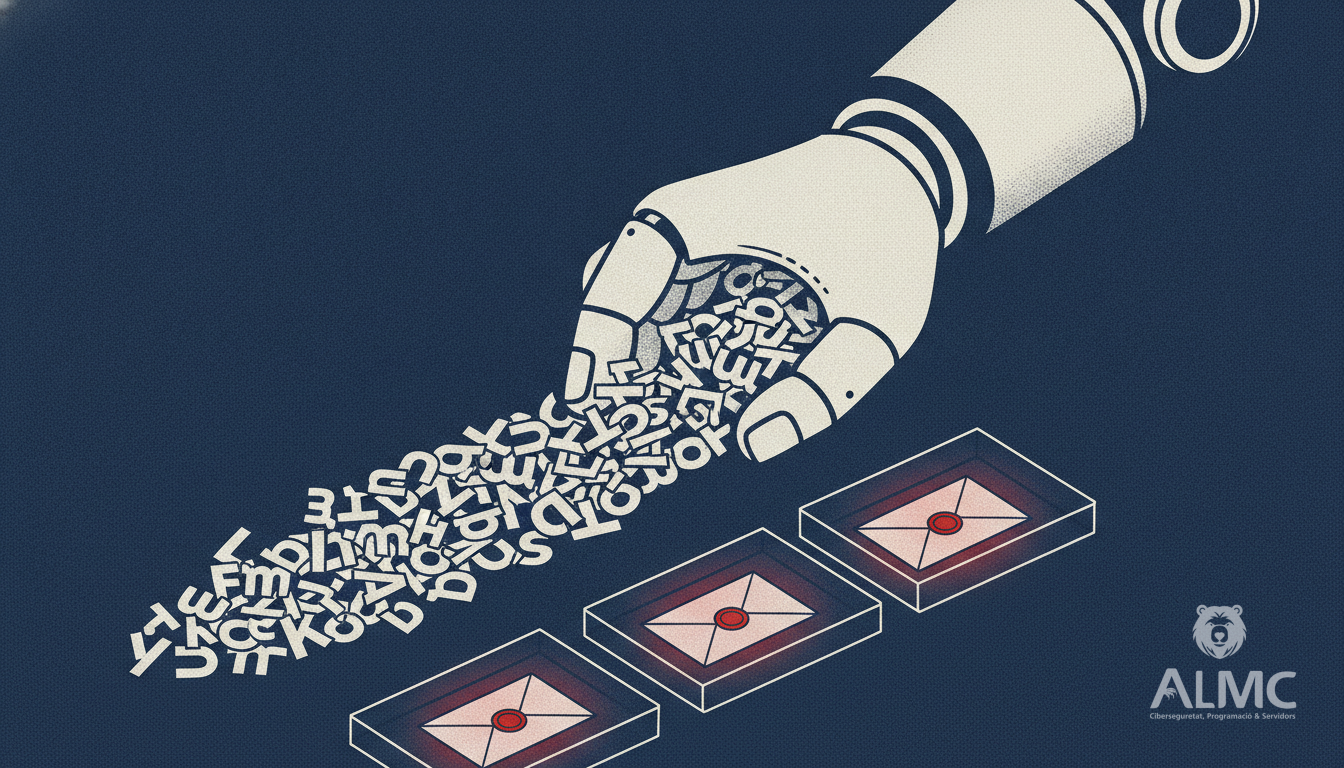
Email AI changes the order of operations. Instead of a person opening every message to work out what it is, the assistant reads each incoming email, classifies it, pulls the customer's history from the systems you already use, and proposes a reply that a human can review and send. The team stops sorting and starts deciding.
What the assistant actually does with each message
It is worth being concrete, because "AI for email" can mean very different things depending on the vendor. In practice, a useful email assistant for a support or sales inbox works on three layers:
- Classification. Each incoming message is assigned to a category: new order, delivery query, billing issue, complaint, supplier message, internal note. This is what allows the inbox to be split into workstreams instead of one undifferentiated pile.
- Context recovery. The assistant looks up the sender in your CRM, your ERP or your helpdesk and attaches the relevant history: previous tickets, pending invoices, the account manager's name, the last conversation. The agent no longer has to open four tabs before writing a single line.
- Draft generation. Based on the category and the recovered context, it proposes a reply in your tone of voice, with the correct data already filled in. The agent edits, approves and sends. Nothing leaves the mailbox without a human decision.
That last point matters more than it might seem. The value is not in removing people from the loop, but in removing the mechanical part of the work so that people spend their time on the cases that genuinely need judgement.
Why this matters more in a Catalan SME than in a large corporation
Large contact centres have had routing rules, macros and ticket queues for years. A company of fifteen or forty people in the Segrià or the Vallès usually has none of that: it has a shared mailbox, a spreadsheet and a lot of tacit knowledge in the head of two people. When one of them takes a holiday, response times double.
Email AI fits that reality better than a full helpdesk migration, because it does not require you to change how the business works. It sits on top of the mailbox you already have, learns from the messages you already receive, and starts producing value in the first week. For teams handling a high volume of repetitive enquiries, the hours recovered per person per week are the kind of saving that shows up directly in the payroll line, not in a slide.
Productivity is not the only argument: consistency and traceability are
Two less obvious benefits tend to appear once the system is running.
The first is consistency. When replies are drafted from a shared knowledge base and a shared tone, the answer a customer gets on Monday matches the answer they get on Friday, whoever is on shift. That reduces the back-and-forth that eats so much support time.
The second is traceability. Every classification and every draft is logged. You can see which categories generate the most volume, which replies get edited most often, and where the process is failing. That is operational data you did not have before, and it is the basis for deciding what to automate next.
GDPR and the data question, answered plainly
Any tool that reads customer email touches personal data, so the compliance conversation has to happen before the pilot, not after. In the Spanish and EU context, this means a few non-negotiable points: a data processing agreement with the provider, a clear record of which categories of data are processed and for what purpose, retention rules that match your existing policy, and a documented decision on whether the processing involves transfers outside the EEA and under which safeguards.
It also means being honest about scope. An assistant that drafts replies does not need to store full mailboxes indefinitely. Configuring it to retain only what is necessary for classification and quality control is both a legal requirement and a practical one. Teams that get this right early avoid the awkward conversation later.
Where to start without disrupting the team
The sensible path is not a company-wide rollout. It is a contained pilot on one mailbox, one language and one category of message, run for a few weeks alongside the normal process. Measure how many drafts are accepted without editing, how much time is saved per agent, and where the assistant gets things wrong. Then expand.
In our experience working with businesses in Lleida and across Catalonia, the categories that pay back fastest are the ones with high volume and low variability: order confirmations, delivery status, invoice requests and standard onboarding questions. Leave the complex, relationship-driven conversations for later, once the team trusts the tool.
Email AI is not about replying faster for its own sake. It is about making sure that the messages that matter reach a person with the right information in front of them, and that the rest stop consuming the day.
Related
- AI Email Management: Turn Your Inbox into a Productivity Hub
- How to Automate Customer Service with AI Without Losing Control
- Email Usability: Designing for Mobile Readers Who Click
- Automatización
Put these ideas into practice
Talk to ALMC about a solution for your business. Explore your options or contact our team.