
AI Email Management: Turn Your Inbox into a Productivity Hub
AI Email Management: Turn Your Inbox into a Productivity Hub
Why Your Inbox Feels Like a BattlegroundIf you run a small business or manage customer support in Spain, you know the feeling: every morning brings a...
Why Your Inbox Feels Like a Battleground
If you run a small business or manage customer support in Spain, you know the feeling: every morning brings a flood of messages, from urgent client requests to newsletters you never asked for. Before you know it, half your day is gone, and you haven't even touched your real work. The good news? You don't have to live like that anymore. With the right AI tools, you can turn your chaotic inbox into a well-oiled machine that works while you sleep.
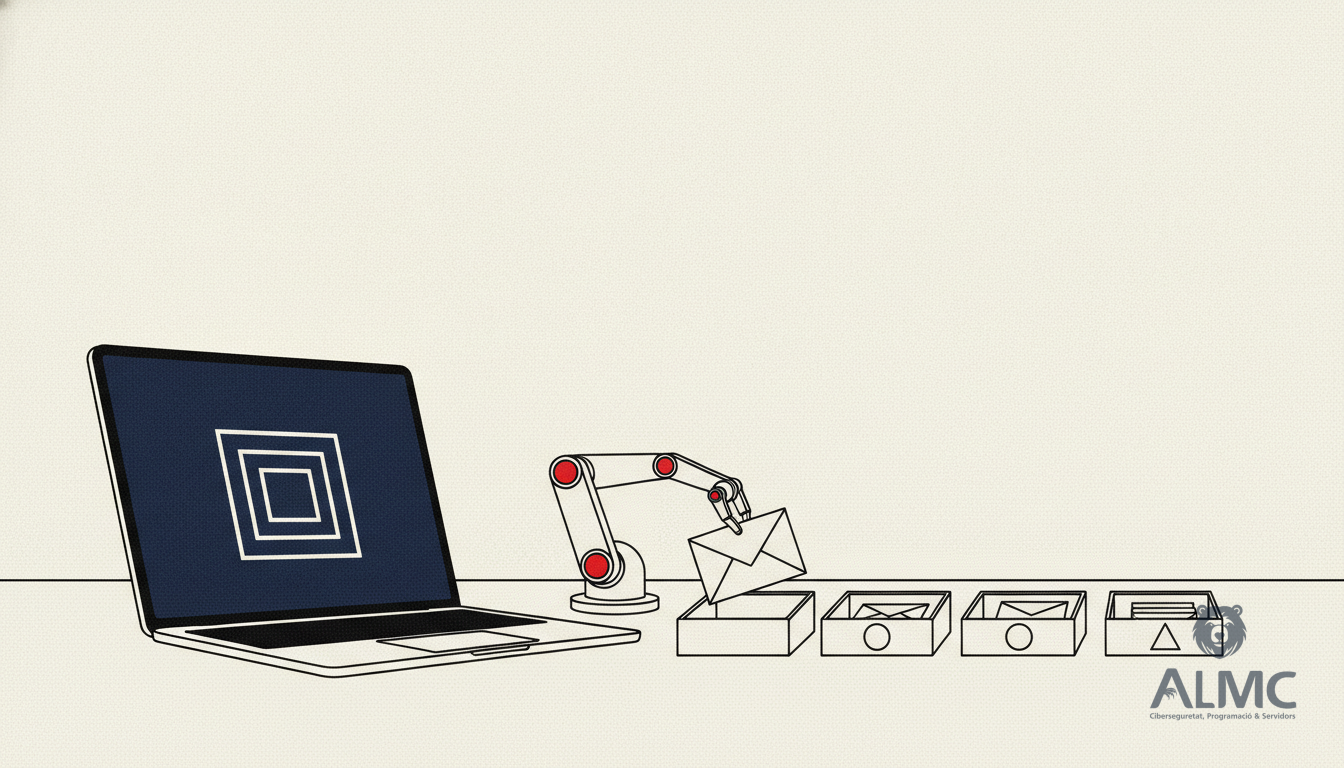
This article walks you through a practical, step-by-step approach to automating your email management using AI. Whether you're in Barcelona, Lleida, or anywhere in Catalonia, these strategies will help you reclaim your time and respond to customers faster—all while staying GDPR-compliant.
What Can AI Actually Do for Your Email?
AI isn't just about chatbots or fancy tech demos. When applied to email, it can handle the repetitive tasks that eat up your team's hours. Here's what a smart email assistant can do:
- Automatically sort incoming messages by priority, topic, or client, so you see what matters first.
- Draft personalised replies based on the email's content, saving you from typing the same responses again and again.
- Detect urgency—if a client writes "critical issue," the system flags it immediately.
- Summarise long emails so you get the gist without reading five paragraphs.
- Extract key data (like names, companies, or phone numbers) and send it straight to your CRM or spreadsheet.
Sounds like science fiction? It's not. These tools are accessible, affordable, and designed for non-techies.
Building Your AI Email Workflow: A Practical Guide
Let's roll up our sleeves. You don't need to be a programmer to set up a basic automation. We'll use popular platforms like Zapier, Gmail, and OpenAI's API—all of which are user-friendly. If you prefer Outlook, the principles still apply.
Step 1: Connect Your Email to an Automation Platform
Start by creating an account on an automation service like Zapier. Connect your Gmail account and grant the necessary permissions. This is safe and standard practice. Once connected, you can create "Zaps"—automated workflows that trigger when certain events happen.
Step 2: Automatically Label and Organise Emails
Set up a Zap that scans incoming emails for keywords like "budget," "urgent," or "meeting." When a match is found, the system can automatically apply a label (e.g., "Urgent," "Support," "Proposal") and move the email to a specific folder. This simple step gives you instant visual clarity and helps your team prioritise.
Step 3: Generate Smart Auto-Replies
For common queries, you can have AI draft a response. In your Zap, add a step that sends the email content to an AI model (like ChatGPT) with a prompt: "Write a polite reply acknowledging this message and letting them know we'll get back within 24 hours." The AI generates a customised answer, and you can either send it automatically or review it first. You can even adjust the tone—formal, friendly, or technical—depending on the sender.
Step 4: Extract Data to Your CRM
Imagine receiving a project inquiry with all the details. Instead of manually typing the contact info into your system, let AI do it. Add a Zap that extracts fields like name, company, and phone number from the email, then logs them into Google Sheets, Notion, or a full CRM like HubSpot. This eliminates data entry errors and saves hours each week.
Step 5: Summarise Long Emails
We all get those massive emails that take forever to read. Configure a Zap that triggers when an email exceeds a certain length. The AI then creates a concise summary (under 100 words) and sends it to your Slack, Telegram, or inbox. Perfect for meeting notes, reports, or client updates.
Step 6: Prioritise by Urgency
Teach your AI to spot urgent language. If an email contains phrases like "system down" or "payment issue," the system flags it as high-priority and can even send a push notification to your mobile. This ensures you never miss a critical issue buried in a pile of routine messages.
Step 7: Automate Follow-Ups
Following up is crucial, but it's easy to forget. Set up a system that tracks when you last replied to a contact. If no response has been sent within 48 hours, the AI drafts a polite follow-up: "Hi [Name], just checking in to see if you received our previous message. We're here if you need anything else." This keeps your communication professional and timely.
Why Go Beyond DIY?
While these steps are doable on your own, they require time and fine-tuning. That's where we come in. At ALMC.es, we specialise in AI-driven process automation. We can set up custom email workflows tailored to your business, integrate AI with your existing CRM or ERP, and ensure everything complies with GDPR. Whether you're in Lleida, Barcelona, or anywhere in Spain, our team can help you save hours every week without sacrificing quality.
Conclusion: Your Inbox Can Work for You
Email doesn't have to be a source of stress. With AI, you can automate the boring parts, focus on what truly matters, and respond to customers faster than ever. Start small—maybe just with labelling and auto-replies—and gradually expand. And if you'd rather skip the DIY hassle, we're just a phone call away.
Related
- How to Automate Customer Service with AI Without Losing Control
- Email Usability: Designing for Mobile Readers Who Click
- Google Ads in 2026: Smart Budgeting in the AI Era
- Automatización
Put these ideas into practice
Talk to ALMC about a solution for your business. Explore your options or contact our team.