
AI in your inbox: how email automation lifts customer care
AI in your inbox: how email automation lifts customer care
Why the inbox is still the bottleneck in customer careMost small and medium businesses in Lleida, Barcelona, Tarragona or Girona do not lose customers...
Why the inbox is still the bottleneck in customer care
Most small and medium businesses in Lleida, Barcelona, Tarragona or Girona do not lose customers because of a bad product. They lose them because a question sat unanswered for two days in a shared mailbox nobody owned. Email remains the backbone of B2B communication in Spain, and yet it is usually managed with the same tools we had a decade ago: folders, labels and a lot of goodwill.
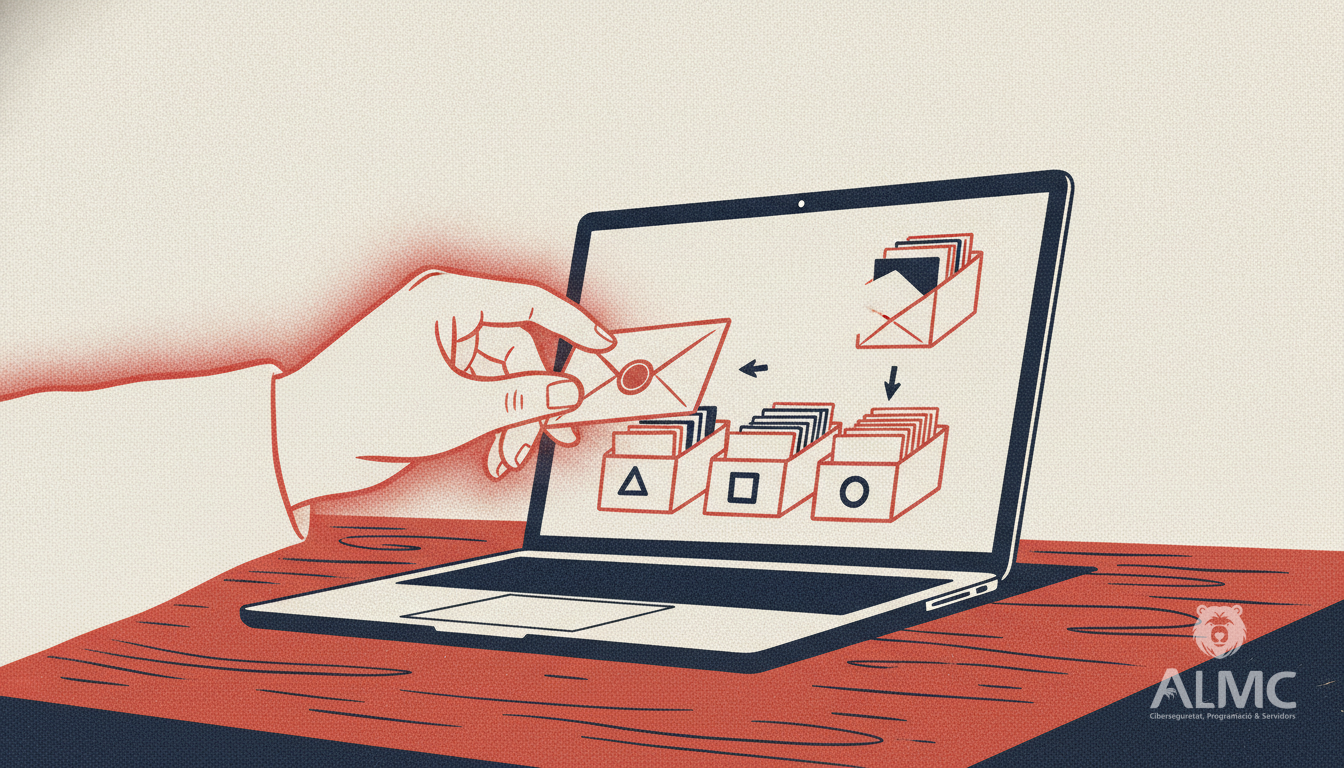
When volume grows, goodwill runs out. A support team handling a few hundred messages a week starts triaging instead of solving: skimming subject lines, guessing which thread matters, hunting for the last invoice or the previous conversation. The work is real, but very little of it is actually valuable. This is exactly the gap that Email AI is designed to close.
What an AI assistant actually does with your mail
It helps to separate the promise from the hype. An email AI assistant is not a chatbot that answers customers on its own. It is a layer that sits between the inbox and the person who replies, and it works in three practical steps:
- Classification. Every incoming message is read and tagged by intent: new quote request, billing query, delivery incident, complaint, internal note, spam. Urgent items rise to the top without anyone having to scan the whole list.
- Context recovery. The assistant links the sender to their history: previous tickets, orders, contracts, open incidents. Instead of opening five tabs, the agent sees a short summary of who is writing and what happened before.
- Draft replies. Based on that context and your tone of voice, it proposes a ready-to-send response. A human reviews, adjusts a sentence or two and sends. The blank page disappears.
The result is not fewer conversations, but far less time spent on the mechanical part of each one. Teams that adopt this pattern typically describe the change in hours per week rather than in percentages, and that is the honest way to frame it: the gain is real, but it depends on how messy your inbox was to begin with.
Where the hours actually go
Ask any support lead in Catalonia where the week disappears and the answers repeat. Rewriting the same explanations, searching for a customer's previous message, deciding which of forty unread threads deserves attention first. None of these tasks requires judgement; they require memory and patience.
Automating them changes the shape of the day. Mornings stop being a race to empty the queue and become a sequence of decisions: this draft is fine, this one needs a warmer tone, this complaint should go to a manager. The assistant handles the sorting and the first draft; the team handles the relationship. For an SME where the same two people answer sales, support and admin, that difference is the difference between coping and growing.
Transparency, GDPR and the Spanish context
Any tool that reads customer email touches personal data, so the legal groundwork matters as much as the technology. Under the GDPR and Spanish data protection rules, you need a clear lawful basis for processing, a record of what the system does with each message, and a processor agreement with the provider. A serious implementation keeps data within the EU, limits retention, and lets you audit which drafts were generated and which were edited before sending.
Transparency also pays commercially. Telling customers that an assistant helps draft replies is not a weakness; hiding it and being found out is. The same principle applies internally: agents should always know when a suggestion comes from the model, so they can apply their own judgement rather than rubber-stamping whatever appears on screen.
The lesson from AI-generated campaigns
The recent wave of AI-produced brand content offers a useful warning. When the underlying idea is strong, nobody argues about the tool; when the idea is weak, the tool becomes the headline. The same logic applies to your inbox. AI can produce a polished, perfectly formatted reply in seconds, but it cannot decide whether that reply is the right thing to say to a frustrated client who has been waiting since Monday.
So the rule is simple: let the assistant handle execution, keep the criteria human. Classification, context and drafting are execution. Tone, priority and the decision to pick up the phone instead of writing back are criteria. Teams that respect that division get the productivity gain without the reputational risk.
How to start without disrupting your operation
You do not need to connect every mailbox on day one. A sensible rollout looks like this:
- Pick one high-volume address, usually the general support or sales inbox.
- Run the assistant in suggestion-only mode for a couple of weeks and compare its drafts with what your team actually sends.
- Refine the tone guidelines and the classification categories using real examples from your own traffic.
- Only then allow automatic tagging and routing, keeping a human in the loop for every outgoing message.
This staged approach keeps risk low and makes adoption easier, because the team sees the assistant earning trust rather than being imposed on them. It also produces the data you need to justify the investment: response times before and after, messages handled per agent, and the number of queries resolved without escalation.
A realistic expectation
Email AI will not make customer care effortless, and any provider promising that is overselling. What it does well is remove the repetitive friction that makes support work exhausting: the sorting, the searching, the first draft. For SMEs and support teams across Catalonia dealing with a heavy daily volume, that is often enough to turn a stressed inbox into a manageable one, and to give the people behind it time to do the part that actually keeps clients.
Related
- AI Email Management: Turn Your Inbox into a Productivity Hub
- How to Automate Customer Service with AI Without Losing Control
- Email Usability: Designing for Mobile Readers Who Click
- Automatización
Put these ideas into practice
Talk to ALMC about a solution for your business. Explore your options or contact our team.