
ChatGPT's PIN-Locked Chats: What It Means for Online Shops
ChatGPT's PIN-Locked Chats: What It Means for Online Shops
A privacy layer, not a vaultOpenAI has started rolling out locked chats in ChatGPT, a feature that keeps selected conversations out of the normal hist...
A privacy layer, not a vault
OpenAI has started rolling out locked chats in ChatGPT, a feature that keeps selected conversations out of the normal history, pinned chats and search results. Access requires a four-digit PIN or, on compatible mobile devices, biometric authentication such as Face ID or Touch ID. The rollout is gradual and available across the free, Plus, Pro, Business, Enterprise and Edu plans, so it may not yet appear on every account.
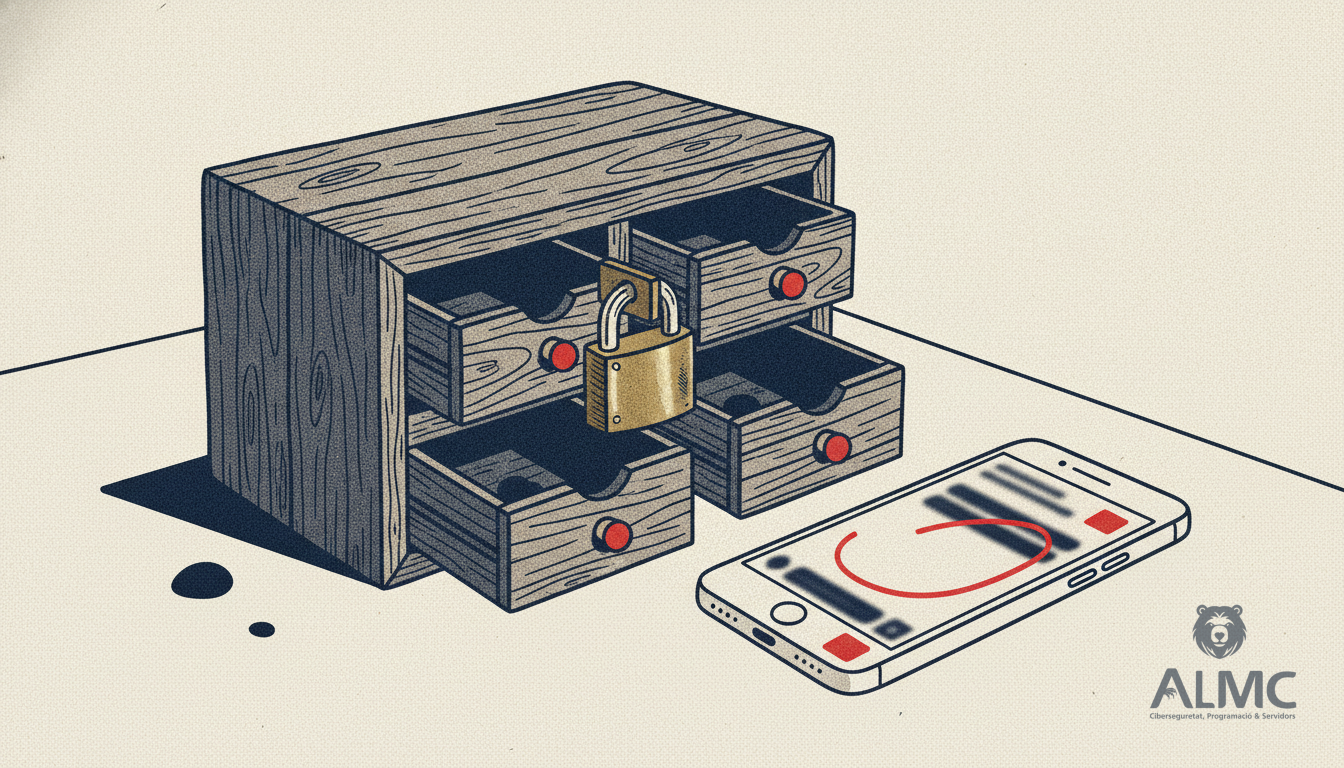
The feature is aimed at people who share a device or show ChatGPT to colleagues, clients or family and want certain exchanges kept out of sight. Unlike temporary chats, locked conversations are retained and can be reopened after authentication. For shops in Barcelona, Lleida, Tarragona or Girona that use ChatGPT to draft product descriptions or answer customer queries, it is a useful everyday privacy layer — but it is not a substitute for a proper data protection setup.
How locking works in practice
To lock a conversation, you open the chat options menu and choose the lock option, then set a four-digit PIN. On supported mobiles you can also use biometrics or the device unlock method. Once locked, the chat moves to a separate space, away from the ordinary history and its search engine, and you must authenticate again to enter it.
There are limits worth knowing before you rely on it:
- Temporary chats, group conversations, archived chats and chats created from a shared link cannot be locked.
- Conversations tied to certain features, such as scheduled tasks or meeting recordings, are excluded.
- The option is not available in ChatGPT for Healthcare.
Locking also affects memory. When memory is enabled, locked chats can share information among themselves inside that space, but new details remembered there are not added to ordinary memory. Locking a conversation does not erase what ChatGPT had already remembered before the lock was applied.
What it does not protect
This is the part that matters most for businesses. Locking a chat does not create an encrypted vault and does not introduce end-to-end encryption. It does not change how long OpenAI retains the conversation or whether the data can be used to improve models. In practical terms, it restricts visual access through the interface and stops other people using the device from stumbling on sensitive conversations. It should not be read as a guarantee that only you can read the content, nor as a change in data processing policies.
In business environments, the organisation's retention and compliance policies still apply. If your team uses ChatGPT Business or Enterprise, the lock is a convenience for shared laptops and shop counters, not a compliance control. For a retailer handling customer names, addresses and order details, GDPR obligations in Spain sit with you, not with the interface.
The PIN reset trap
One detail deserves attention: if you forget the PIN, you can start a reset process, but doing so permanently deletes the locked chats and any files or content protected only by the old code. That content cannot be recovered. Changing the PIN while you still know the current code preserves the conversations; resetting after forgetting it does not. Treat the PIN like any other operational credential and store it in your password manager.
What this means for your online shop
Many ecommerce teams now lean on AI assistants for copywriting, translations, support macros and even product data clean-up. That is fine, but the tool is only one part of the stack. A tienda online that genuinely sells — whether built on PrestaShop or WooCommerce — needs a coherent approach to customer data: consent, retention, access control and secure integrations. A PIN on a chat window does not replace role-based access in your back office, HTTPS everywhere, or a clear policy on what staff may paste into an AI tool.
Our advice for shops in Catalonia is simple. First, decide which conversations may contain personal data and keep them out of shared accounts. Second, use the lock for what it is: a screen-level barrier on shared devices. Third, review your ecommerce platform's own privacy settings, because that is where orders, addresses and payment references actually live. And fourth, document the process, since GDPR accountability is about evidence, not intentions.
AI assistants are becoming part of the daily routine of comercio electrónico, and small privacy features like this one are welcome. But they work best when the foundation is solid: a well-built store, clean data flows and a team that knows the difference between hiding a conversation and protecting a customer.
Related
- WooCommerce vs PrestaShop: Which Ecommerce Platform Wins in 2025?
- CRO for Ecommerce: Turning WooCommerce and PrestaShop Templates into Sales Engines
- Agentic Commerce: How AI Agents Are Rewriting the Rules of Online Shopping
- Desarrollo web
Put these ideas into practice
Talk to ALMC about a solution for your business. Explore your options or contact our team.