
Invoice OCR and automation: from paper to your ERP
Invoice OCR and automation: from paper to your ERP
Why invoices still slow down small businessesAn invoice can arrive on paper, as a photo, or as a PDF attached to an email. The problem is rarely the d...
Why invoices still slow down small businesses
An invoice can arrive on paper, as a photo, or as a PDF attached to an email. The problem is rarely the document itself: it is the gap between receiving it and getting its data into the accounting system. While someone copies supplier names, amounts and tax figures field by field, the invoice waits, the payment is delayed and nobody has a clear picture of what the company owes. For an SME in Lleida, Girona, Tarragona or Barcelona, that manual step is one of the most persistent bottlenecks in the finance routine.
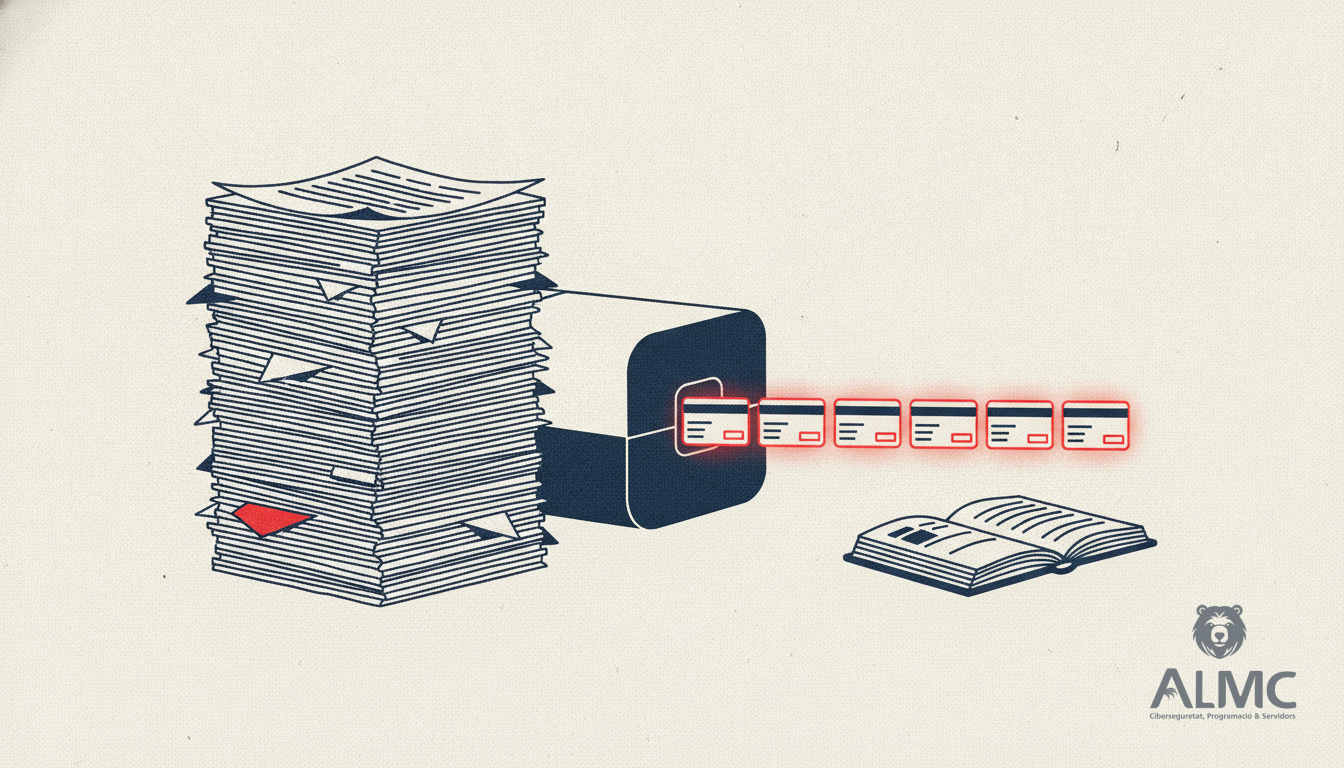
Optical character recognition (OCR) is the technology that reads letters and numbers from an image or scanned page and turns them into digital text. Applied to invoices, it removes the need to retype each document. But OCR on its own only reads; it does not decide what each figure means or whether the invoice is correct. The real gain comes when reading is combined with classification, validation and automated workflows that push the data into the right place.
What can actually be extracted from an invoice
A well-configured capture process can recognise the fields that matter most for bookkeeping:
- Supplier and recipient details, including tax identification numbers.
- Invoice number and dates, both issue and due dates where present.
- Tax base, VAT, discounts and totals, which must reconcile before approval.
- References to purchase orders or delivery notes, when the document includes them.
- Line-level detail, useful for cost allocation and stock control.
These values become searchable digital fields. Instead of a folder of scanned PDFs, the finance team works with structured records that can be checked, matched against orders and exported to the ERP.
From capture to accounting: the workflow behind the scenes
The OCR step is only one stage of a longer chain. A sensible flow looks like this: the invoice is captured from email, a shared folder or a scanner; the text is read and the key fields are extracted; validation rules check for missing data, mismatched totals or unknown suppliers; anything that fails goes to a person for review; and once approved, the data is sent to the accounting software. Each of these stages can be connected so that documents move forward without manual hand-offs.
This is where process automation makes the difference. Tools such as n8n let you connect the capture tool, the validation logic, the notification channel and the ERP without building a custom application from scratch. A new invoice in the inbox can trigger a workflow that extracts the data, checks it, files it and alerts the right person only when something needs attention. The same pattern applies to purchase orders, delivery notes and expense receipts.
When OCR is the right choice, and when it is not
OCR is most valuable when invoices arrive in mixed formats: scanned paper, photos taken on a phone, or PDFs generated by different supplier systems. Modern OCR with artificial intelligence handles varied layouts and imperfect scans far better than older engines, which struggled with shadows, skew or unusual fonts.
However, if a supplier already sends structured electronic invoices, reading the original data is often more reliable than scanning an image. The smart approach is to combine both: use structured formats where available and reserve OCR for everything else. This hybrid logic is exactly the kind of decision an automation workflow can make automatically, routing each document down the cheapest and most accurate path.
Common errors and how to keep them under control
No capture system is perfect. Misread characters, missing fields and totals that do not add up are normal, especially with poor-quality scans. The answer is not to abandon automation but to design validation into it:
- Set rules that compare the extracted total against the sum of lines and taxes.
- Flag suppliers or invoice numbers that do not match existing records.
- Route low-confidence documents to a human reviewer instead of approving them silently.
- Keep an audit trail so every change is traceable, which also helps with GDPR compliance and internal controls.
With these checks in place, the finance team spends its time on exceptions rather than on routine data entry.
Choosing the right setup for a Catalan SME
Before picking a tool, map the current process: where invoices arrive, who touches them, which systems they end up in and where delays appear. Look for a solution that integrates with your existing accounting package, supports Spanish and Catalan invoice formats, and allows custom validation rules. Consider data residency and GDPR obligations, particularly if documents contain personal data. And think about growth: a workflow that works for fifty invoices a month should still work for five hundred.
At ALMC we help SMEs in Catalonia design these flows end to end: integrating capture tools, connecting applications and building automated workflows that save hours every week. The goal is not to replace people but to free them from repetitive tasks so they can focus on decisions, suppliers and customers.
The bottom line
Invoice OCR is a powerful first step, but its real value appears when it sits inside an automated process. Reading the document is easy; making sure the data is correct, approved and recorded in the right system is where the hours are saved. For small businesses across Catalonia, connecting capture, validation and accounting into one flow is one of the most practical productivity gains available today.
Related
- n8n Automation Guide: Streamline Your Business Workflows in 2026
- How Much Does Process Automation Really Cost? A 2026 Guide for SMEs
- Best WordPress SEO Plugins 2026: Expert Comparison for Spanish Sites
- Chatbot IA
Put these ideas into practice
Talk to ALMC about a solution for your business. Explore your options or contact our team.