
Kiosk Time Clocks: Shared Devices for Shift Tracking
Kiosk Time Clocks: Shared Devices for Shift Tracking
Why a Shared Kiosk Still Makes Sense for Shift TrackingWhen Spain introduced the obligation to record daily working hours under Real Decreto-ley 8/201...
Why a Shared Kiosk Still Makes Sense for Shift Tracking
When Spain introduced the obligation to record daily working hours under Real Decreto-ley 8/2019, many companies assumed they would need to install a dedicated punch clock machine. In practice, the law requires a reliable daily record of start and finish times, not a specific piece of hardware. That distinction opens the door to a practical alternative: turning a tablet, a computer, or even a point-of-sale terminal into a shared kiosk for employee clock-ins.
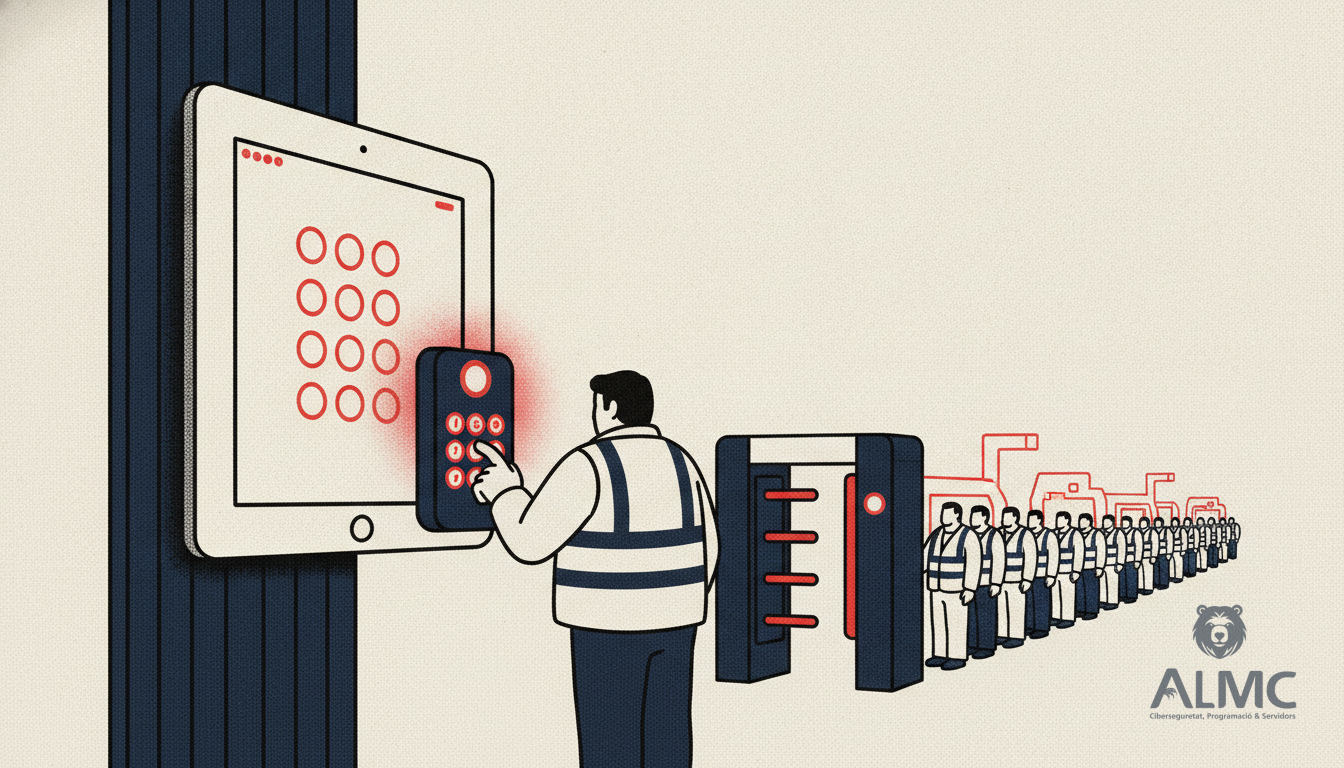
For businesses in Lleida, Tarragona, Girona, or Barcelona where staff work on-site at a single location, a fixed kiosk remains one of the most convenient options. Instead of every employee relying on a personal device, the company provides a common terminal at the entrance, reception, warehouse, or staff area. Workers identify themselves, register their start, break, and end times, and the data flows into a single platform.
What Counts as a Kiosk Time Clock?
A kiosk system uses a shared device as the registration point for some or all employees. The terminal is usually placed in a high-traffic area so that clocking in becomes part of the daily routine. Several device types can serve this purpose:
- Android tablets or iPads: the most versatile choice. A touchscreen makes daily use straightforward, and the device can sit on a counter, desk, or wall mount. Companies can often repurpose hardware they already own, reducing upfront investment.
- POS terminals: particularly useful for shops, restaurants, cafés, and other businesses that already have an internet-connected till.
- Computers and phones: normally used as personal clocking devices, but they can also be configured as a shared terminal when the situation calls for it.
The same time-tracking software adapts to different workplace types without the need for specialised hardware.
Where Kiosk Clocking Works Best
Shared terminals are especially practical when several employees occupy the same space or when not everyone has a company computer or phone. They also help organisations centralise clocking at specific access points. Typical environments include:
- Factories and production centres
- Warehouses and logistics hubs
- Retail shops and physical stores
- Restaurants and hospitality venues
- Hotels
- Healthcare centres
- Workshops
- Offices with a single common entrance
- Sites with high staff turnover
In these settings, a shared clocking point speeds up arrivals and departures and keeps all records manageable from one platform.
Benefits for Employers and Employees
Adopting a kiosk-based time-tracking system brings advantages on both sides:
- Simple to use: employees only need to approach the terminal and identify themselves. A clear interface reduces training needs and encourages adoption.
- Fast clock-ins: with methods such as a PIN code, registering an entry or exit takes only seconds.
- Controlled clocking point: staff clock in from a device configured by the company, preventing the terminal from being used for unrelated tasks.
- Lower hardware investment: there is no need to buy a dedicated punch clock. A compatible tablet or an existing device can become the time terminal.
- Regulatory compliance: proper software records the time of each punch, identifies the employee, retains records, and maintains traceability of any modification.
- Scalability: a company can deploy multiple kiosks across different sites, entrances, or departments.
- Centralised information: even with several devices, records can be stored in one platform for easy consultation and management.
Is It Legal to Clock In from a Tablet or Kiosk?
Yes. Clocking in via a tablet or kiosk is legal provided the system meets the requirements of Spanish labour regulations. That means it must record the start and end of each working day, identify the worker, store the data securely, and allow any changes to be traced. Under GDPR, employers must also inform staff about how their data is processed and retain records only as long as necessary. A well-designed time-tracking solution handles these obligations without friction, giving HR teams reports that are ready for an Inspection should one arrive.
Choosing the Right Setup for Your Business
Before rolling out a kiosk, consider the flow of your workplace. A single entrance may need only one terminal, while a large site with multiple access points might benefit from several. Think about how employees will identify themselves — PIN, card, or biometrics — and ensure the device is mounted securely and connected to the internet. It is also worth checking that the software can export records in a format accepted by labour authorities and that it integrates with your payroll or HR systems.
For many SMEs in Catalonia, the most pragmatic route is to start with a tablet kiosk at the main entrance and expand from there. This approach keeps costs down, respects the legal framework, and gives both managers and staff a reliable, low-friction way to record working time.
Related
- Digital Time Tracking Mandatory in 2026: What Changes and How to Prepare
- Digital Time Tracking in Spain: 2026 Reform and What It Means for Your Business
- Fichar con el móvil personal: guía legal para pymes en España
- Automatización
Put these ideas into practice
Talk to ALMC about a solution for your business. Explore your options or contact our team.