
Blog
Sneeit Framework: critical RCE in WordPress plugin up to 8.7
What the flaw is and who it affectsThe Sneeit Framework plugin for WordPress is affected by a critical vulnerability tracked as CVE-2026-106125. Accor...
What the flaw is and who it affects
The Sneeit Framework plugin for WordPress is affected by a critical vulnerability tracked as CVE-2026-106125. According to the National Vulnerability Database (NVD) of NIST, every version up to and including 8.7 is vulnerable to remote code execution. The flaw is classified as CWE-94 (improper control of code generation) and scores CVSS 3.1 9.8, critical (vector CVSS:3.1/AV:N/AC:L/PR:N/UI:N/S:U/C:H/I:H/A:H). The entry point is the callback parameter of the sneeit_compact_menu_mega_content AJAX action.
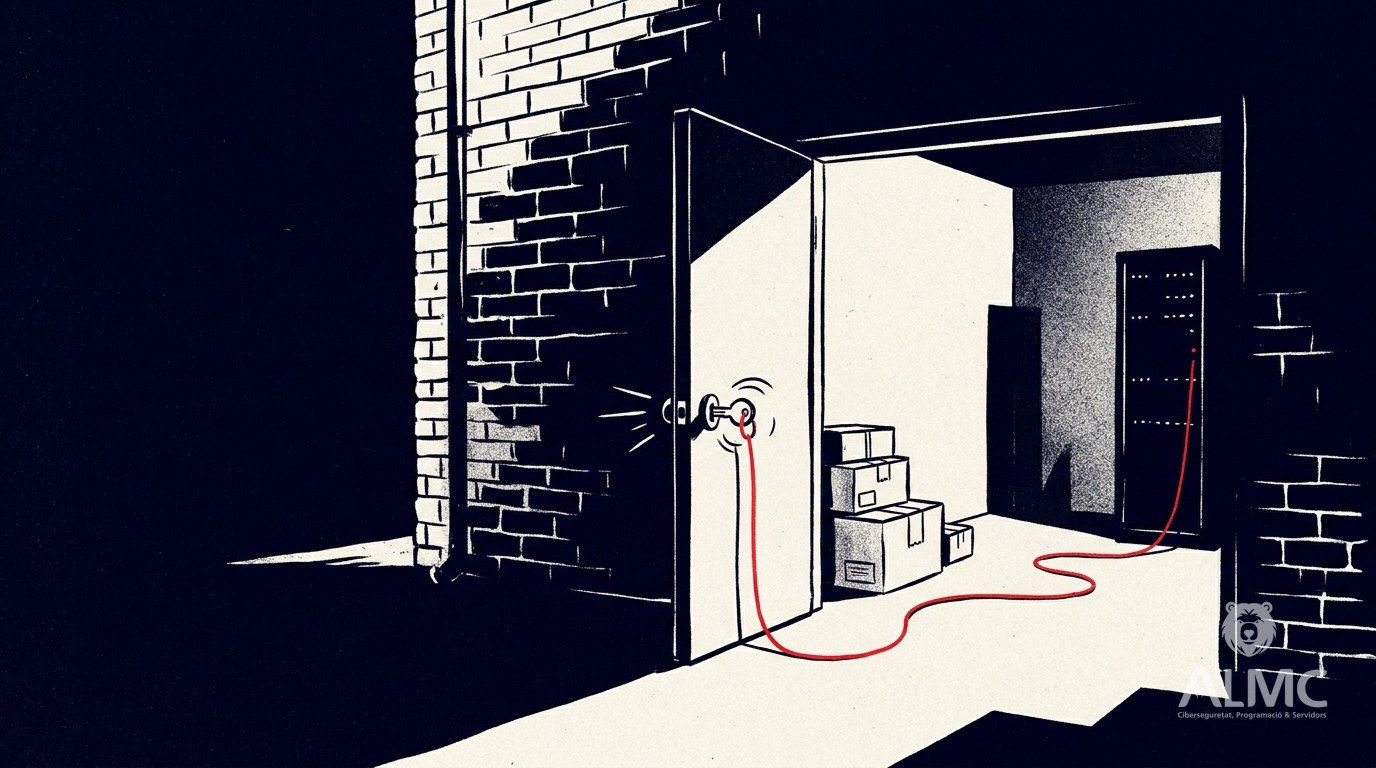
The underlying problem is a design mistake rather than a subtle bug. The handler sneeit_compact_menu_mega_content_callback() is registered on the wp_ajax_nopriv_ hook, which means it answers requests from visitors who are not logged in. It then passes the value supplied in callback straight into call_user_func() after nothing more than a function_exists() check, and the single argument passed to that function is also attacker-controlled through a JSON-decoded args parameter. There is no authentication, no capability check, no nonce and no allow-list of callable functions. In practice, an unauthenticated attacker can invoke arbitrary existing PHP or WordPress functions with arguments of their choosing.
This matters most for the kind of sites we see across Catalonia and Spain: small and medium businesses, online shops and corporate sites running WordPress, often with a modest IT team or an external maintainer who installed a theme or framework bundle once and never revisited it. If Sneeit Framework is present and not updated, the site is exposed to anyone on the internet, with no credentials required.
Why it is urgent
The vulnerability is not listed in CISA's Known Exploited Vulnerabilities (KEV) catalogue, so there is no public confirmation that it is being exploited in real attacks, and no remediation deadline has been issued by CISA on that basis. That absence should not be read as reassurance. A CVSS score of 9.8 with an unauthenticated network vector and full impact on confidentiality, integrity and availability is the profile attackers scan for automatically, and public disclosure of the technical details tends to shorten the window between publication and mass exploitation. The NVD published the record on 27 November 2026.
For a business, the practical consequences are concrete: a compromised WordPress installation can be used to serve malware, redirect customers, harvest credentials or send spam from your domain, and recovery costs in time and reputation usually dwarf the effort of patching.
What to do today
- Check whether the plugin is installed. Look in the WordPress plugin list, or in the file system under wp-content/plugins, for Sneeit Framework and note the exact version. Remember that frameworks are sometimes bundled inside a theme and may not appear as a separate plugin entry.
- Update to the version indicated in the vendor's advisory. The material available does not state which release fixes the issue, so follow the vendor's security notice rather than assuming that any particular number is safe. If no fixed version is published yet, apply the mitigation the vendor describes or remove the component until a patch exists.
- Look for signs of intrusion. Review web server access logs for requests to admin-ajax.php carrying the sneeit_compact_menu_mega_content action, check for unexpected administrator accounts, unfamiliar files in upload directories, modified core or theme files, and outbound connections you cannot explain.
- Reduce what is exposed to the internet. Restrict access to admin-ajax.php and wp-admin where your site's operation allows it, keep a web application firewall in front of the site, and remove plugins, themes and frameworks that are not actively used.
- Rotate credentials for database users, WordPress administrators and any API keys stored in the installation if you find any trace of suspicious activity, and review your GDPR obligations if personal data may have been accessed.
How a cybersecurity team can help
Most SMEs we work with in Lleida, Barcelona, Tarragona and Girona do not have anyone whose job is to watch for this kind of notice. That is where an external security team earns its place: auditing the WordPress, PrestaShop and Joomla installations to inventory every component and its version, running pentesting to confirm which exposures are genuinely reachable from outside, and hardening servers so that a single vulnerable plugin does not translate into full control of the hosting account. Ongoing monitoring and incident response matter just as much, because a flaw like CVE-2026-106125 can sit unnoticed until someone acts on it. When a site has already been hacked, the work is repair and cleanup: removing backdoors, restoring clean files, closing the entry point and documenting what happened. Keeping plugins, themes and core patched on a defined schedule is the least glamorous part of the job and the one that prevents most incidents.
Related
- Ivanti Connect Secure: CVE-2026-104935 Under Active Attack
- CVE-2026-96951: Windows Shell Command Injection Under Attack
- Click to Chat for WhatsApp: CVE-2026-92097 in WordPress
- Abuse Shield
Is your business exposed to flaws like this?
ALMC checks which versions you are running, applies the patches and hardens your servers and website. Contact our team for a security review.