
Quishing: why QR codes are the new phishing risk
Quishing: why QR codes are the new phishing risk
Quishing explained: the phishing attack that hides in plain sightPhishing has always relied on a simple trick: get the victim to click. Quishing chang...
Quishing explained: the phishing attack that hides in plain sight
Phishing has always relied on a simple trick: get the victim to click. Quishing changes the delivery mechanism. Instead of a visible link, the attacker embeds a malicious address inside a QR code. The victim scans it and lands on a fake login page, a payment screen or a malicious download. The destination is invisible until the moment of scanning, and that single fact rewrites the rules of the game.
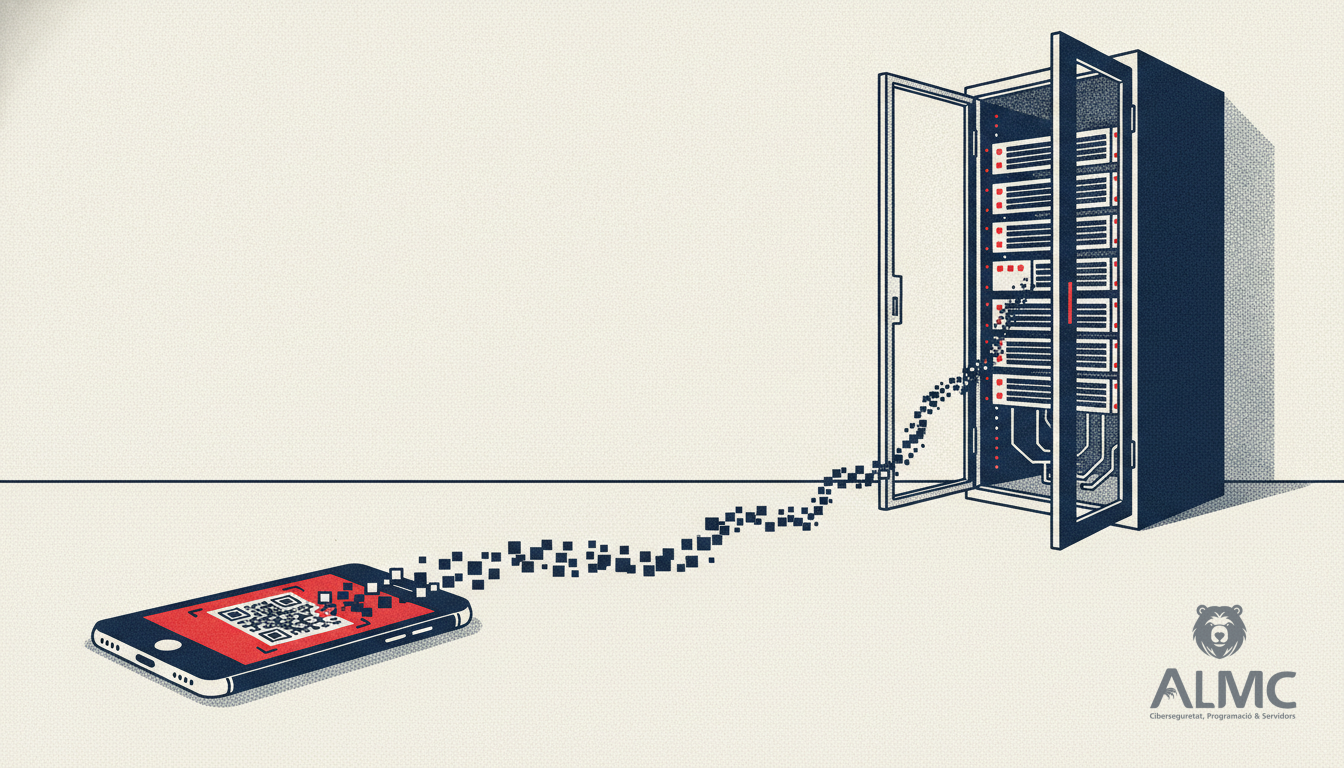
The technique is no longer a niche curiosity. During the first half of 2026, QR codes appeared in roughly one in ten phishing emails analysed by major security vendors, and QR-based phishing ranked among the top ten email-borne threats. Spain has been one of the countries with the highest detection rates in Europe, which should be a wake-up call for organisations in Barcelona, Lleida, Tarragona and Girona that assume their email filters are enough.
Why scanning a QR code is riskier than clicking a link
The real danger of quishing is not the QR code itself. It is the device shift it forces. A typical scenario: an employee receives an email that appears to come from the IT department and asks them to \"revalidate\" their account by scanning a code. The email arrives on a corporate laptop protected by filters, antivirus and security policies. The scan, however, happens on a personal mobile phone that is not managed by the company. In one step, the victim leaves behind several layers of protection.
- Device change: the attack moves from a hardened workstation to an unmanaged phone.
- Filter evasion: security tools struggle to inspect a URL buried inside a QR pattern, whereas a plain link can be read and blocked.
- Fewer warning signs: quishing messages often carry very little text, so there are fewer typos or inconsistencies to spot. Mobile browsers also tend to truncate or hide the address bar.
- Established trust: QR codes are now part of everyday life, from restaurant menus to digital payments and authentication flows. Familiarity lowers suspicion.
Attackers also exploit physical channels: stickers placed over legitimate QR codes on posters, leaflets or parking meters. For a small business in Lleida or a hosting provider in Barcelona, the risk is not only a compromised mailbox but a compromised server.
From a scanned code to a compromised server
Quishing is often the first step in a longer chain. A stolen credential can be reused against SSH panels, web hosting control panels or VPN gateways. Once an attacker has a valid login, the perimeter defences that block bad IPs become far less effective, because the traffic looks legitimate. This is why server-level protection must be layered: identity controls on one side, automated IP reputation and brute-force mitigation on the other.
In practice, many SMEs and hosting companies in Catalonia run several servers with inconsistent security configurations. One machine may have fail2ban tuned, another may not have it installed at all, and a third may be running an outdated ruleset. Attackers probe all of them. A shared reputation feed across machines closes that gap: when one server detects a malicious IP, every server in the fleet can block it immediately.
Practical measures to reduce quishing and server risk
No single control stops quishing. A realistic defence combines awareness, device policy and infrastructure hardening.
- Treat QR codes like links: train staff to preview the destination before authenticating, and to distrust codes received by email, SMS or WhatsApp.
- Manage mobile devices: if employees use personal phones for work, define a clear policy and consider mobile threat defence for corporate accounts.
- Enforce strong authentication: phishing-resistant MFA reduces the value of stolen credentials, even when the login page is fake.
- Harden servers: restrict SSH access, monitor authentication logs and automate blocking of repeated failed logins.
- Centralise IP reputation: a shared blocklist across all servers prevents an attacker who is blocked on one machine from simply moving to the next.
- Review GDPR obligations: a credential theft that exposes personal data may trigger notification duties under the GDPR, so incident response should be documented in advance.
How Abuse Shield fits into a layered defence
Abuse Shield is designed for system administrators, hosting companies and SMEs that run their own servers and want protection without managing every machine by hand. It centralises server security: automatic blocking of malicious IPs, managed fail2ban across multiple machines and a reputation feed shared between all your servers. When one node identifies abusive traffic, the rest of the fleet learns from it. For organisations in Catalonia that manage infrastructure across several locations, that consistency is often the difference between a contained incident and a costly breach.
Quishing reminds us that attackers rarely break down the front door; they look for the path of least resistance. Combining user awareness with automated server-level protection gives you a defence that holds even when a single scan goes wrong.
Related
- How to Harden Your Servers with Fail2ban and IP Reputation Feeds
- Fail2ban: Your First Line of Defense Against Unauthorized Server Access
- Critical libssh2 flaw: urgent patch for SSH servers
- Desarrollo web
Put these ideas into practice
Talk to ALMC about a solution for your business. Explore your options or contact our team.