
Backup for businesses
BACKUP · ALMC
Business backups: protect today, recover when you need to
Centralise website and database backups, avoid storing duplicate blocks and prepare recovery from a single ALMC account.
Creating an account does not purchase or activate Backup. The service is being prepared; ordering will open after launch readiness has been verified. I already have an account
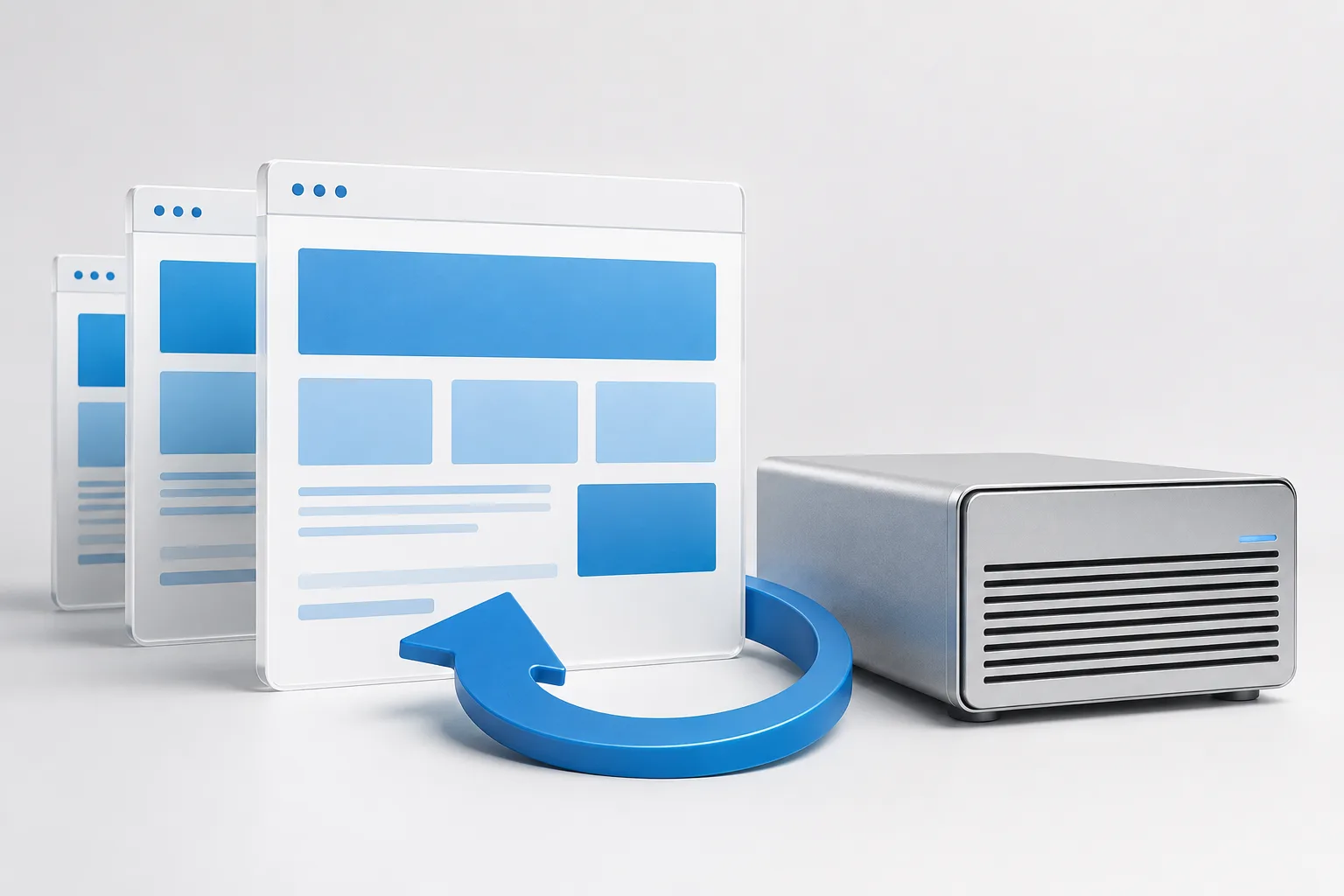
Backups that make better use of your storage
Store changes, not duplicate blocks
Deduplication reuses blocks already present in your repository. Keep different versions without storing a repeated full copy every time; savings depend on your data.
Recovery by site and across servers
Restore a site's files and databases, or prepare recovery to another Plesk server with results and compatibility warnings.
One account, visibility into your backups
View operations, statuses and warnings in ALMC. Backup integrates with your business account and shared service management.
How Backup helps protect business continuity

More versions, without storing the same blocks over and over
Deduplication identifies blocks already stored in your repository and reuses them. A new backup adds new or changed blocks while retaining its own recovery point.
Capacity covers stored data and metadata, not the full size of every backup added together. Savings depend on changes, retention and file types; this is not unlimited storage.
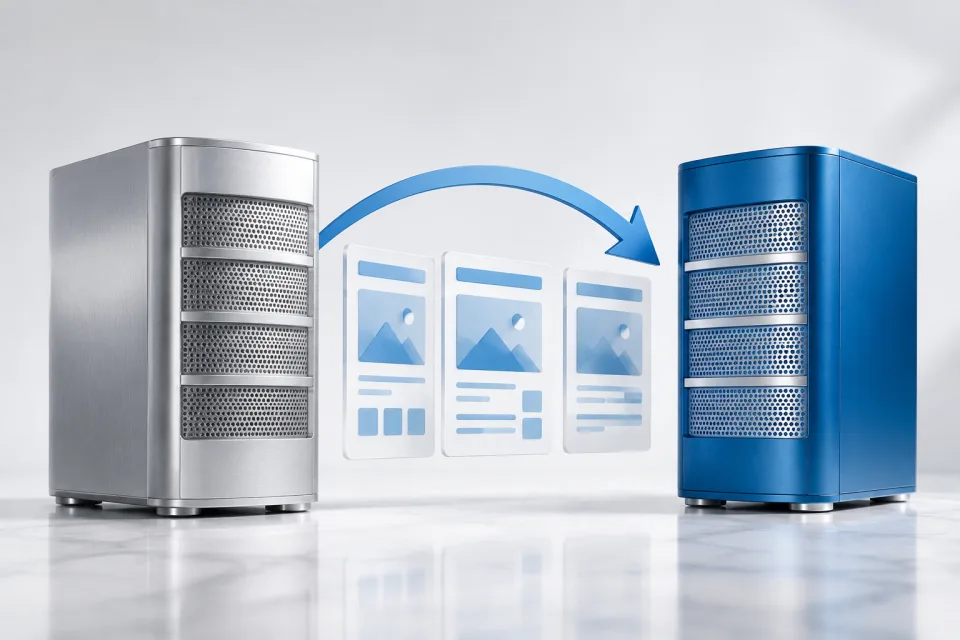
Recover a site or prepare a move to another server
Choose the backup and sites you need to recover. The Plesk integration covers files, databases and hosting configuration, with compatibility warnings when changing servers.
The report separates results from warnings requiring review. DNS configuration is excluded from restoration; check each website before considering recovery complete.

See what is being backed up and what needs attention
Bring linked installations, protected sites, storage and operation history together in ALMC. Warnings help you locate errors and review available space.
The Plesk extension provides access to subscription backups. ALMC coordinates policies and oversight across servers.
One backup service, connected to your servers
You subscribe to Backup through ALMC. The Plesk extension connects your server to that service; it is not a second software subscription.
ALMC manages the service
Accounts, plans and billing belong to the multi-SaaS platform. The Backup dashboard brings together installations, storage, policies and operations.
Plesk connects your sites
Plesk is the integration currently developed. Its extension links the server and provides access to each subscription's backups; other connectors are not advertised as available.
Explore the Plesk extensionFrom your ALMC account to your first backup
- Create or use your business account in ALMC; Backup does not require a separate account.
- Once ordering opens, review the plan, capacity and terms before activating the service.
- Install the Plesk extension and link your server using its pairing code.
- Configure backups and review the first operation and a test restore.
Creating an account does not purchase or activate Backup. The service is being prepared; ordering will open after launch readiness has been verified.
Storage for your backups
Compare storage capacity and monthly cost. The Plesk connector and central dashboard are part of the service.
These are proposed launch prices, not offers currently available to purchase. You can create your account or request advice without paying. We will confirm the final price and terms before activating Backup.
100 GB
9.90 € / month
100 GB of repository capacity
- Plesk connector
- Deduplicated storage
- Centralised backup dashboard
250 GB
19.90 € / month
250 GB of repository capacity
- Plesk connector
- Deduplicated storage
- Centralised backup dashboard
500 GB
34.90 € / month
500 GB of repository capacity
- Plesk connector
- Deduplicated storage
- Centralised backup dashboard
1 TB
59.90 € / month
1000 GB of repository capacity
- Plesk connector
- Deduplicated storage
- Centralised backup dashboard
2 TB
109.90 € / month
2000 GB of repository capacity
- Plesk connector
- Deduplicated storage
- Centralised backup dashboard
Monthly prices exclude VAT. Applicable taxes and terms are shown before confirming an order.
Creating an account does not purchase or activate Backup. The service is being prepared; ordering will open after launch readiness has been verified.
Discuss my requirements with ALMCTalk to the company that will protect your backups
Backup is a service from ALMC SECURITY S.L.U. Before subscribing, ask us about storage location, data protection, support scope and cancellation and recovery terms.
Discuss my requirements with ALMC